
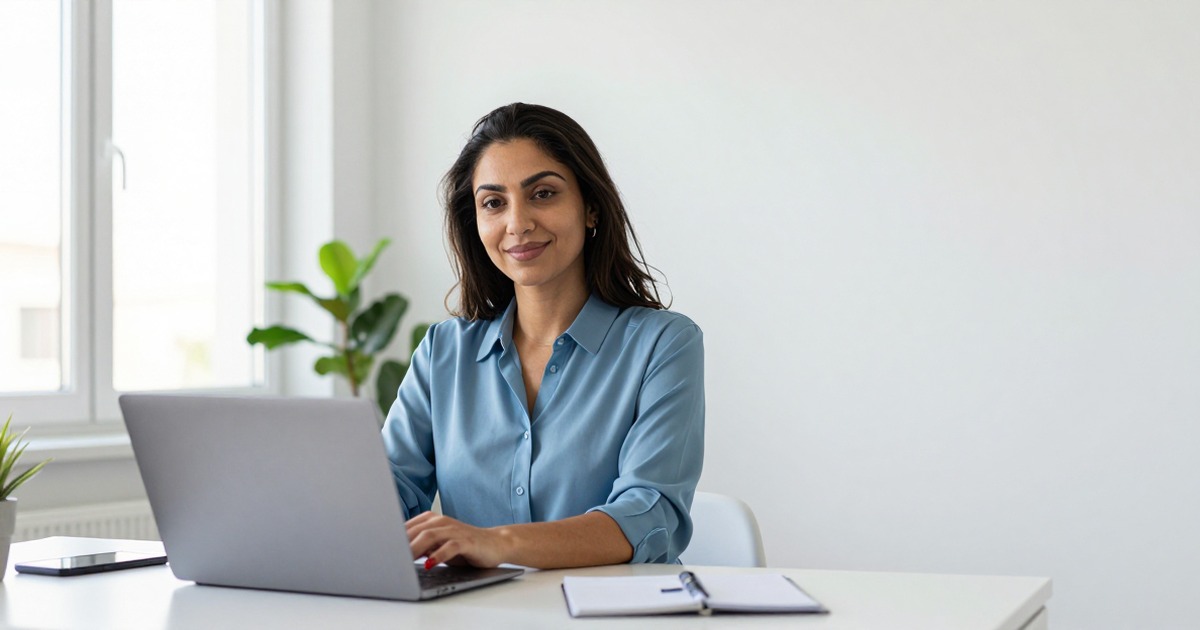
Your team page tells a story you didn't intend. One person has a studio headshot from 2019. Another used a cropped wedding photo. The newest hire submitted a selfie with visible bathroom tiles. Three people have no photo at all.
For remote teams, this is the default. Nobody is in the same office to coordinate a photo session. Nobody owns the "team photo" problem. The result is a visual mess that undermines the professional image your team's work actually deserves.
AI headshot generators solve this in a way that wasn't possible two years ago. Every team member generates their own headshot independently, using the same style parameters. The result looks like a coordinated professional photo session. No travel, no scheduling, no photographer.
The Problem With Remote Team Photos
In an office, the team photo problem has a brute-force solution: book a photographer, set a date, everyone shows up. It costs money and time, but it works. The photos are consistent because they were literally taken in the same room by the same person.
Remote teams have no equivalent. The options are:
Option 1: Everyone submits what they have. This is what most companies do. The result is a patchwork of different qualities, backgrounds, lighting conditions, and eras. It looks exactly like what it is: a collection of photos from different contexts forced into proximity.
Option 2: Require professional headshots. Some companies reimburse employees for professional photos. Better quality per person, but still inconsistent across the team. One person's photographer used dramatic side lighting. Another used bright natural light. A third went to a mall portrait studio. Consistent quality, but inconsistent style.
Option 3: Skip photos entirely. Initials in circles, generic avatars, or blank spaces. Clean and consistent, but impersonal. For client-facing teams, missing photos are a missed opportunity to build trust before the first meeting.
Option 4: AI headshots with shared style parameters. Each person uploads their own photos and generates headshots using the same background, lighting style, and framing settings. The output looks coordinated without anyone being in the same room. This option didn't exist until recently.
How It Works in Practice
The workflow for a team of 20:
-
Choose your style parameters. Pick a background color, lighting style, and framing. These parameters stay the same for everyone.
-
Each person uploads individually. Team members upload 10-20 photos from their phone or computer. No special photos needed. Selfies from different angles work fine. Casual photos work fine. Whatever they have that shows their face clearly.
-
Generate with consistent settings. Using a tool like Narkis.ai, each person generates their headshots with the shared style parameters. The AI handles the heavy lifting: matching lighting, standardizing backgrounds, maintaining professional quality.
-
Review and select. Each person picks their preferred output from the generated options. Personal preference matters here. Some people want a slight smile, others prefer neutral. The consistency comes from the shared visual framework, not from forcing everyone to look identical.
-
Deploy across platforms. Drop the photos into your team page, proposal templates, email signatures, Slack profiles, and anywhere else team photos appear.
Total time per person: 15-30 minutes. Total coordination required: one Slack message with the style parameters. Compare that to scheduling a team photo session across three time zones.
What "Consistent" Actually Means
Consistency in team photos isn't about making everyone look the same. It's about visual harmony across these dimensions:
Background. The same background behind every person signals coordination. A white studio background is the safest default. It's clean, professional, and doesn't compete with the faces for attention.
Lighting direction and quality. Professional photographers obsess over lighting because it defines the mood of a photo. Soft, even studio lighting reads as "corporate." Natural window lighting reads as "approachable." Pick one direction for the team and stick with it.
Framing and crop. Headshots cropped at the collarbone create a different impression than half-body shots. The crop should be identical across all team members so the photos tile neatly on a team page grid.
Color temperature. Warm-toned lighting vs cool-toned lighting changes the overall feel. Mixing warm and cool photos on the same page creates visual dissonance that's hard to pinpoint but easy to feel.
AI headshot generators handle all of these through their style parameters. Specify once, apply to everyone.
The Client-Facing Impact
For consulting firms, agencies, and professional services companies, the team page is a sales tool. Prospective clients visit it to evaluate the people they'll be working with. The visual presentation of your team influences perceived competence before a single word of your case studies gets read.
A study by the Corporate Executive Board found that visual consistency in professional materials correlates with perceived organizational competence. People don't consciously evaluate headshot consistency, but the aggregate impression registers. This is a team that pays attention to details.
For proposals specifically, the team section with coordinated professional photos outperforms the same section with mismatched or missing photos. Not dramatically, but at the margin where competitive proposals are decided, every signal of professionalism counts.
Onboarding New Hires
The ongoing challenge with team photos is keeping them current. New hires either get a professional photo during their first week or submit whatever they have. The first option is expensive if the photographer only comes once a quarter. The second option creates inconsistency.
With AI headshots, new hire onboarding includes this: "Upload 10-15 photos of yourself. Our team page uses white backgrounds with soft studio lighting. Your headshot will be generated to match." Done in day one. The new person appears on the team page with photos that look like they were taken at the same session as everyone else's.
When someone wants to update their photo because they changed hairstyles, lost weight, or just want a refresh, the same process takes 15 minutes. No photographer booking, no waiting, no cost beyond the generation fee.
Platform-by-Platform Sizing
Different platforms need different image specifications. Generate headshots at the highest resolution available, then resize for each platform. This is a one-time setup per person. Store the master file and the platform-specific crops in a shared team drive.
Company website: 600x600 to 800x800px depending on grid layout
LinkedIn: 400x400px minimum, higher is better
Email signature: 100x100 to 150x150px, keep file size under 50KB
Slack/Teams: 512x512px, square crop essential
Proposals/Decks: 300-500px wide depending on template
Business cards: 300 DPI at print size, usually 1-1.5 inches square
Cost Comparison: Team of 20
Professional photographer in one session: $3,000-6,000 total. High consistency. Major scheduling challenge for remote teams.
Individual professional photos: $2,000-5,000 total. Low to medium consistency. Easy logistics, inconsistent results.
AI headshots with dedicated tool: $380-980 total. High consistency. No coordination needed.
AI headshots with general tools: $0-400 total. Low consistency. No coordination, but identity accuracy issues.
The AI headshot approach delivers the consistency of a coordinated photo session at 10-20% of the cost, with zero scheduling overhead.
Privacy and Compliance Considerations
Team-wide AI headshot adoption touches on a few considerations worth addressing:
Voluntary participation. Not everyone is comfortable uploading photos to an AI system. Making AI headshots available as an option rather than a mandate respects individual comfort levels. Offer the tool, explain how it works, let people opt in.
Data handling. Understand how the AI headshot provider handles uploaded photos. Reputable tools like Narkis.ai process photos for model training and don't retain them indefinitely. Share the provider's privacy policy with your team so everyone can make an informed decision.
Representation accuracy. AI headshot tools should preserve the person's actual appearance. This includes skin tone, facial features, and hair texture. Verify that the tool you choose handles diversity in skin tones and features without artificial "beautification" that changes how someone looks.
Getting Started
For team leads or operations managers looking to roll this out:
-
Pick a provider and test it yourself first. Generate your own headshots to understand the quality and workflow before rolling it out to the team.
-
Define your team's style parameters. Background, lighting, framing, and crop. Keep it simple. White background with soft studio lighting works for 90% of professional contexts.
-
Write a one-paragraph guide. "Here's the tool, here's the link, upload 10-15 photos, select these settings, pick your favorite output, send it to this person or channel."
-
Set a deadline but don't force it. Give people two weeks. Follow up once. Some people will do it immediately, some will need a reminder.
-
Deploy consistently. Update the team page, proposal templates, and internal tools all at once. The impact comes from consistency across contexts, not from any single platform.
The entire process takes about a week of elapsed time with less than an hour of actual effort per person. The result is a professional team presence that looks intentional, coordinated, and current. Nobody needs to be in the same ZIP code.
Related Guides
Frequently Asked Questions
What if some team members prefer their existing professional photos?
That's fine. The goal is consistency, not uniformity. If someone already has a high-quality professional headshot with a similar style to your team standard, it may work alongside the AI-generated ones. Compare them side by side. If the lighting and background are close enough, mixing real and AI photos on the same page works.
How do AI headshots handle diversity in skin tones and features?
Reputable dedicated tools are trained on diverse datasets and preserve skin tone, hair texture, and facial features accurately. The model learns from your specific photos, so the output reflects your actual appearance. Always verify the output matches reality before publishing.
Can we use one company account for the whole team?
Most AI headshot tools offer individual accounts. Some have team or enterprise plans. Check with the provider. For Narkis.ai, each person generates their own headshots independently, which naturally handles the per-person training requirement.
What if someone leaves the company?
Remove their photo from public-facing materials as part of offboarding. The generated headshots belong to the process that created them, but displaying a departed employee's photo creates confusion for clients and prospects.
How do we maintain consistency as the team grows?
Document your style parameters: background, lighting, crop, and color temperature. Share this with every new hire as part of onboarding. As long as everyone uses the same parameters, new photos will match existing ones regardless of when they're generated.



