
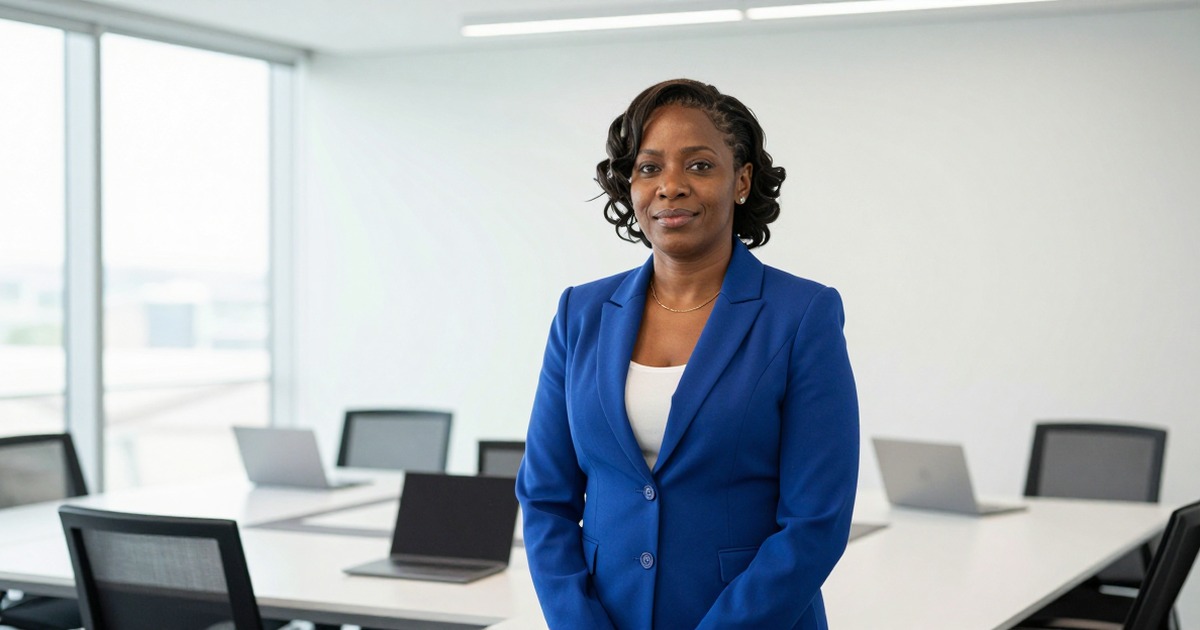
When a journalist writes about you or your company, they need a headshot. If you don't provide one, they'll either pull whatever low-resolution image they find online or skip the photo entirely. Neither outcome serves you.
A press kit headshot is the version of your professional photo optimized for media use. It has specific requirements that differ from your LinkedIn profile or email signature.
What Journalists Actually Need
High resolution. Print publications require 300 DPI at the intended print size. A 1200x1500 pixel image works for most editorial use. Web publications need at least 800 pixels wide. Provide the largest file you have and let the publication resize.
For print magazines and newspapers, editors need room to work. The minimum safe resolution for a 4x5 inch print placement is 1200x1500 pixels at 300 DPI. For full-page features or larger placements, 2400x3000 pixels or higher prevents any quality loss. If your source file is smaller than this, your photo may be rejected.
File size matters less than pixel dimensions. A 5MB TIFF is better than a 500KB JPG compressed to the point of visible artifacts. For detailed technical specifications, see our headshot resolution guide.
Multiple formats. Include both:
- High-resolution TIFF or PNG (lossless, for print)
- Web-optimized JPG (for online articles and blogs)
Some publications request RAW files for maximum editing flexibility. If you shot with a professional photographer, ask for the original RAW file to archive. Digital media outlets typically work with high-quality JPGs (90-95% quality setting), while print publications prefer TIFF or PNG.
White space for cropping. Frame your headshot with generous white space around your head and shoulders. Editors crop photos to fit their layout. A photo with your head touching the frame edge can't be adjusted for vertical layouts or square social media previews that publications use for article promotion.
Aim for at least 20% empty space on all sides of your head. If the publication needs a tighter crop, they can zoom in. If you provide a tight crop and they need breathing room, you're eliminated from consideration.
Both orientations if possible. Portrait for profile features and standalone use. Landscape or wider crop for inline editorial use alongside text. Publications have different layout needs.
Clean background. Branded backgrounds tie your photo to your current company. If you leave that company, every article that used your press kit now advertises your former employer. Solid neutral backgrounds have no expiration date.
For press kits specifically, mid-tone gray backgrounds work better than pure white. Pure white can blend into page backgrounds, reducing the photo's visual separation from surrounding text. A medium gray (40-60% gray) ensures your headshot maintains clear borders regardless of publication design. You can generate custom backgrounds for different settings while keeping them appropriate for press use.
No watermarks, no logos, no text overlays. Publications need clean images they can crop and position freely.
Style for Press
Press headshots lean more formal than LinkedIn but less stiff than corporate headshots. The photo needs to look good in contexts you don't control: alongside a negative review, in a crisis article, or in a favorable feature. Neutral confidence works everywhere.
Avoid anything trendy in styling. Press kit photos last longer than most others because journalists archive and reuse them. A timeless look ages better than whatever's fashionable this year.
Press Kit Contexts
Your press kit headshot serves multiple purposes. Each has slightly different requirements:
Speaker bios and conference materials. Event organizers pull press kit photos for speaker lineup pages, printed programs, and promotional materials. They need horizontal and vertical versions for different layout formats. Conference websites often display speaker grids where square crops work best provide a version that works cropped to 1:1 aspect ratio.
Book tours and author press. Publishers use author photos for book jackets, promotional postcards, and online book retailer pages. The photo should match the book's tone more creative freedom for fiction authors, more professional polish for business or academic books. Provide both color and black-and-white versions, as some literary publications still run B&W author photos.
Product launches and company announcements. Tech journalists covering product releases include founder or executive headshots alongside the announcement. These photos appear in contexts like TechCrunch, VentureBeat, or trade publications. The headshot should project authority without appearing overly corporate. Business casual attire works for most tech contexts.
Podcast guest appearances. Podcast show notes, episode graphics, and promotional social media posts all need guest headshots. Podcast audiences skew younger and more casual than print media: slightly more relaxed expressions work here. Square crops (1:1) are standard for podcast artwork overlays.
Providing Multiple Versions
Don't make journalists choose. Provide a complete set:
- Full resolution export (highest quality, all formats)
- Web-optimized version (1200px wide JPG, under 500KB)
- Square crop (1:1 ratio, 1200x1200px minimum)
- Horizontal crop (16:9 or 3:2 ratio for landscape layouts)
- Black and white version (for publications that prefer or require B&W)
Label files clearly: firstname-lastname-headshot-highres.tiff, firstname-lastname-headshot-web.jpg, firstname-lastname-headshot-square.jpg. Journalists working on deadline don't decode cryptic file names.
Create a simple one-page PDF that shows thumbnail previews of each version with the intended use case labeled. It takes five minutes and eliminates all ambiguity.
Common Mistakes That Get Photos Rejected
Insufficient resolution. The number one rejection reason. If the publication can't print your photo at the size they need, they won't use it. When in doubt, provide the largest file you have.
Heavy compression artifacts. Saving a JPG at low quality settings produces visible blocking around edges. Once compression artifacts exist in a file, they can't be removed. Always save at 90% quality or higher.
Inappropriate backgrounds. Busy backgrounds, branded environments, or locations that imply a specific context (like a specific office or venue you no longer work with) reduce photo versatility. Publications skip photos that look dated or create unintended associations.
Inconsistent lighting or amateur editing. Oversharpened images, unnatural skin tones, or visible editing halos around the subject signal amateur work. Professional media outlets avoid photos that look amateurish because it reflects poorly on the publication's quality standards.
Rights and permissions unclear. If a journalist can't confirm they have permission to use your photo, they won't use it. Explicitly state usage rights in your press kit or in the file metadata.
Wrong file names. Files named IMG_4829.jpg or headshot-final-final-v3.jpg look unprofessional. Use your actual name in the file name.
The Press Kit Package
Include with your headshot:
- Caption file (your name, title, company, photo credit if applicable)
- Usage rights (state that the photo is cleared for editorial use)
- Contact for the photographer or your PR team if high-resolution versions are needed
Make the files downloadable from a single link. Journalists working on deadline don't chase attachments. A Dropbox or Google Drive folder with clear file names works. Better: a press page on your website with direct download links.
AI Headshots for Press Kits
AI headshot generators like Narkis.ai can produce press-ready headshots if the output resolution meets print requirements. The advantage: generate multiple versions (formal, approachable, different backgrounds) from one session without rebooking a photographer.
Verify the output resolution before including AI-generated headshots in a press kit. Most quality generators produce images at sufficient resolution for web editorial use. Print use requires checking the specific DPI at intended print size.
AI tools also solve the "multiple versions" problem efficiently. Generate a formal version for financial press, a more approachable version for lifestyle features, and a creative version for industry publications all from the same source photos. This level of variety used to require multiple photo shoots.
For more on professional headshot basics, see our complete professional headshots guide or our detailed AI headshots guide.



