
The best Gemini headshot prompt names one job (a head-and-shoulders headshot), tells Nano Banana exactly what must not change (your face, hair, skin texture, expression) and then sets the clothes, background and light. Below are 12 copy-paste prompts for LinkedIn, CV and team-page headshots that work in the free Gemini app with Nano Banana 2. They edit one photo at a time, though, so if you need a full set that looks like you in every shot, Narkis trains a model on 15-20 of your selfies and gives you up to 200 photos for $27, paid once.
How to Use These Prompts in Gemini (Nano Banana)
- Open gemini.google.com or the Gemini app and sign in. Photo editing needs an account aged 18 or over.
- Pick Create images from the tools menu (the banana icon). On the free plan this runs Nano Banana 2; Google AI plans add Nano Banana 2.1, 2K downloads and a "Redo with Pro" option in the three-dot menu.
- Upload one clear photo of yourself: face the camera, eyes visible, even light, no sunglasses. Gemini edits what it sees, so a blurry or side-lit selfie gives a blurry, side-lit headshot.
- Paste a prompt below and send it. If one detail is off, fix it in the same chat ("keep everything, only make the blazer navy") instead of starting over.
- Before you use it, put the result next to a real photo of yourself. If a friend wouldn't recognise you at a glance, don't put it on LinkedIn.
Every prompt starts with the same lock line. It is the part that matters most, so keep it even when you change the rest:
Keep my face, facial features, skin texture, hair and expression exactly as they are in the photo. Do not slim, smooth or beautify my face.
12 Gemini Headshot Prompts You Can Copy
LinkedIn and corporate
1. Classic LinkedIn headshot. "[Lock line] Turn this photo into a professional head-and-shoulders headshot. Dress me in a charcoal blazer over a plain white shirt. Background: soft light-grey studio backdrop. Lighting: large soft key light from the front-left, gentle fill, no harsh shadows. Camera: 85mm portrait lens, eye level, sharp focus on the eyes. Square crop with space above the head."
2. Modern office. "[Lock line] Make this a business headshot taken in a bright modern office. Navy suit jacket, light-blue shirt, no tie. Background: blurred open-plan office with daylight windows, shallow depth of field. Natural window light from the right. Head and shoulders, slight smile kept as in the photo."
3. Executive dark background. "[Lock line] Create a formal executive portrait. Dark suit, white shirt. Background: deep charcoal gradient. Lighting: Rembrandt-style key light from the left with a subtle rim light on the shoulders. Head and shoulders, centred, 4:5 portrait crop."
4. Women's business headshot. "[Lock line] Turn this into a polished business headshot. Tailored black blazer over a cream silk top, small stud earrings only. Background: warm beige studio backdrop. Soft beauty-dish light from the front, even skin tone, natural texture kept. Head and shoulders, square crop."
Creative, startup and tech
5. Startup founder. "[Lock line] Make a relaxed founder headshot. Plain dark crew-neck sweater. Background: blurred exposed-brick office with warm lamps. Soft daylight from a large window on the left. Head and shoulders, natural expression, 4:5 crop."
6. Outdoor natural light. "[Lock line] Create a natural-light headshot outdoors. Smart-casual light-blue oxford shirt. Background: softly blurred green trees in a city park, late-afternoon light behind me with a gentle glow on my hair. Head and shoulders, eye level."
7. Clean white background (CV and ID-style). "[Lock line] Make a clean headshot on a pure white background for a CV. Dark blazer, plain shirt. Even, shadowless front lighting. Head and shoulders, facing the camera, centred, square crop."
8. Team page match. "[Lock line] Make a team-page headshot: medium-grey seamless backdrop, soft front light from slightly above, head and shoulders, centred, square crop, navy sweater over a white collar." Use the exact same prompt for every person on the team so the photos match.
Fixes for your own photo
9. Fix the light. "[Lock line] Relight this photo as if taken next to a big window on the left on an overcast day. Lift the shadows under my eyes slightly. Change nothing else."
10. Swap only the background. "[Lock line] Replace only the background with a soft, out-of-focus office. Keep my clothes, pose, crop and lighting exactly as they are."
11. Swap only the outfit. "[Lock line] Change only my clothes to a fitted navy blazer over a white T-shirt. Keep the background, pose and lighting unchanged."
12. Upgrade a phone selfie. "[Lock line] Turn this arm's-length selfie into a headshot that looks shot by a photographer: straighten the angle to eye level, correct the wide-angle distortion, soft grey backdrop, soft front light, head and shoulders."
Why Gemini Headshots Sometimes Don't Look Like You
Nano Banana edits the one photo you upload. Google pitches it for exactly this ("view yourself with different hairstyles, picture yourself in different scenes"), and for a single profile picture from a good selfie it can be enough. The trouble starts when you want more than one:
- It only knows one angle of you. Everything it can't see in that photo (the other side of your face, your teeth, how your eyes look when you smile) it invents. Each new prompt invents it again, slightly differently.
- Edits drift. Stack three or four changes and small things move: jawline, nose width, eye shape, skin. Each step looks fine on its own; the fourth result is someone who resembles you.
- Your photo sets the ceiling. A dark, blurry or side-lit selfie can't become a sharp studio shot without the model guessing the missing detail.
- Limits apply. Free use runs on Nano Banana 2 at 1K downloads; 2K, Nano Banana 2.1 and Pro redos come with a paid Google AI plan, and image generation uses up your usage limit faster than chat.
That's the difference between editing one photo and training on your face. If you want a whole set for LinkedIn, your website, your CV and your dating apps that all look like the same real person, a personal model is the tool built for it.
Gemini Prompts vs a Trained Model: What You Get
| Gemini (Nano Banana prompts) | Narkis (model trained on your selfies) | |
|---|---|---|
| Input | 1 photo per edit | 15-20 selfies, once |
| What it knows about your face | One angle | Many angles, expressions and lighting |
| Output | One image per prompt | Up to 200 photos in many styles |
| Likeness across a set | Drifts between edits | Same face in every shot |
| Cost | Free with limits, or a Google AI plan | $27 once, about 13.5 cents a photo |
| Best for | One quick profile picture | LinkedIn, CV, team page, dating, socials |
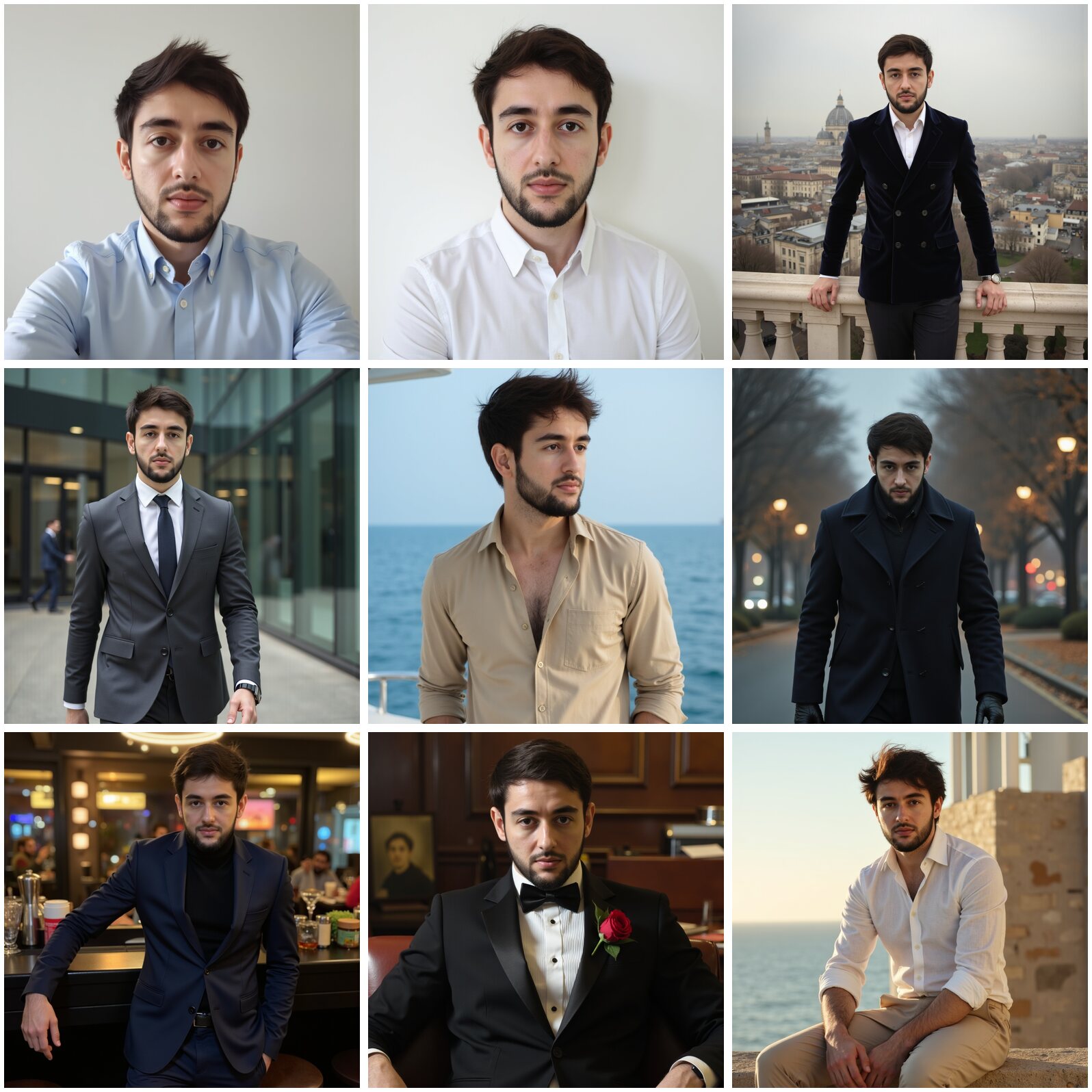
Narkis trains a private model on your own selfies (median training time 6.5 minutes), then you generate photos in the styles you want: studio and office headshots, outdoor, travel, evening and dating photos. See the AI headshot generator, LinkedIn photos or pricing.
How to Check a Gemini Headshot Before You Post It
- The recognition test. Show it to someone who knows you without telling them it's AI. "Nice photo" passes; "who's that?" fails.
- Look at the details AI gets wrong: ears, teeth, collar and lapels, glasses frames, hair against the background.
- Check the crop for the platform. LinkedIn shows your photo in a circle, so keep space above your head. Our free LinkedIn photo checker scores framing and face size and shows the circle preview.
- Don't overdo the polish. Recruiters meet you on video. A headshot that looks ten years younger or two sizes slimmer backfires on the first call.
More on this: can ChatGPT make your headshot, prompts for Midjourney, Flux, ChatGPT and Stable Diffusion, the best AI headshot generator in 2026 and every AI headshot tool compared.


